The 5 AI use cases to save 1 hour per day as an architect
Save 1 hour per day in practice with AI using these 5 essential use cases for AEC pro.


You can do many things with AI, but very often the simplest use cases are the most effective.
And yet, I still see too many architecture professionals, including in my trainings, who don’t use AI for these purposes.
Even though these are precisely the use cases that save the most time, by far.
The goal is not to “let AI do the work while you go to the beach.”
The real goal is to save time in a concrete way, take a step back, and focus on more important tasks.
So let’s get started.
Here are the 5 AI use cases I recommend to every architect to save time and gain very practical “superpowers” that adapt to the real constraints of construction sites.
1️⃣ Creating meeting minutes with AI
Many architects still don’t enable transcription and automatic meeting summaries during meetings (Teams or Google Meet).
And yet, it works very well.
In video meetings, enabling the transcript gives you an immediate list of:
- topics discussed
- decisions
- action items
It may not be the perfect meeting report, but it’s an excellent starting point: fast and reliable.
You can do this directly in Google Meet or Microsoft Teams — no dedicated tool is required at first.
On site or during construction meetings, the same principle applies:
take 15 minutes at the end to dictate what happened, then ask the AI to structure the points and action items.
If you want to record audio more easily, tools like Plaud (a microphone connected to an AI meeting-summary app) can help, but they require a subscription.
🎯 Result:
You save 2–3 hours usually spent cleaning up meeting notes. And because it becomes so easy, you can create meeting minutes for everything — and even search through past meetings using tools like NotebookLM or SuperArchi.
2️⃣ Searching through documents with AI
Searching through documents with AI has become extremely effective, especially with NotebookLM, a tool from Google.
Unlike a classic use of ChatGPT, NotebookLM works on the full content of the documents you upload.
You can search for very specific information, get reliable summaries, and most importantly, trace answers back to their exact sources in the documents.
You can upload many PDFs, but in practice one or two are often enough — or even a one-hour YouTube video. NotebookLM can extract the content in just a few seconds.
I recently tested the audio summary feature: in about ten minutes, you can listen to the key points of a long document.
It’s very convenient in the car or on public transport, and the voice is actually pleasant and motivating to listen to.
For example, I was able to learn in 12 minutes (in French) about the latest updates of Speckle (a BIM data exchange tool), while the original video in English was one hour long.
This is particularly useful for analyzing complex material: programs, tender documents, large technical files — documents you know you have to read, but never quite know when you’ll find the time.
🎯 Result:
You no longer miss important information. You can go straight to the point, using summaries or searching for very specific details when you need them.
3️⃣ Improving emails with AI
Responding to emails is also an excellent AI use case.
Personally, I don’t use AI to automatically reply to my emails, but rather as a writing and proofreading assistant.
It is especially useful for:
- understanding and summarizing long emails
- identifying important points I might have missed
- improving the wording of my replies
- checking tone, clarity, and spelling
It’s a bit like having a communication coach behind you, especially when emails are important, sensitive, or when you’re tired.
👉 AI doesn’t write in your place.
👉 It helps you write better and make sure you don’t forget anything.
🎯 Result:
You feel more relaxed, knowing you can always get an external point of view from AI to help you make the right decisions.
And when the stakes are lower, you can even ask AI to draft pre-replies that you simply review and approve.
4️⃣ Researching and learning with AI
AI has become a very effective tool for learning and finding precise information.
Whenever I don’t understand something — an administrative website, an interface, a process — I take a screenshot or a photo and share it with the AI to get explanations. Even without knowing the full context, it almost always provides useful directions.
I also use AI to quickly explore technical topics I’m not yet familiar with. It’s far more efficient than the old way of using Google, which mainly listed links.
I still use Google to find a specific website or verify information, but as a first step, AI allows me to quickly clear the ground, even when I’m on the move.
In architecture, this is particularly useful to:
- learn how to use tools or software
- understand new technical constraints
- research project references
- identify applicable regulations
- get guidance through administrative procedures
👉 AI does not replace official sources or expertise.
👉 It mainly helps you move much faster from question to understanding.
🎯 Result:
You find answers much faster and can prepare your work precisely, without spending hours reading websites that don’t directly address your problem.
5️⃣ Editing images with Nano Banana
Nano Banana (the image component of Google’s Gemini) is a very effective tool for simple image-related tasks.
For example, you can quickly remove an unwanted object from a building photo, or fix a detail that was missed when the photo was taken.
Where Photoshop can become heavy or complex depending on the use case, Nano Banana can do this in under a minute.
You can also improve lighting or atmosphere: replacing a grey sky with a more sunny one, without having to reshoot photos days later.
The goal is not to revolutionize the design process, but to use AI as a small, practical toolbox to adjust images quickly, without bringing out heavy tools.
👉 Less time spent on retouching.
👉 More time focused on design and ideas.
🎯 Result:
You can fix images or create small visuals in just a few minutes to improve project communication — and help your clients better understand and truly visualize the project you are designing.
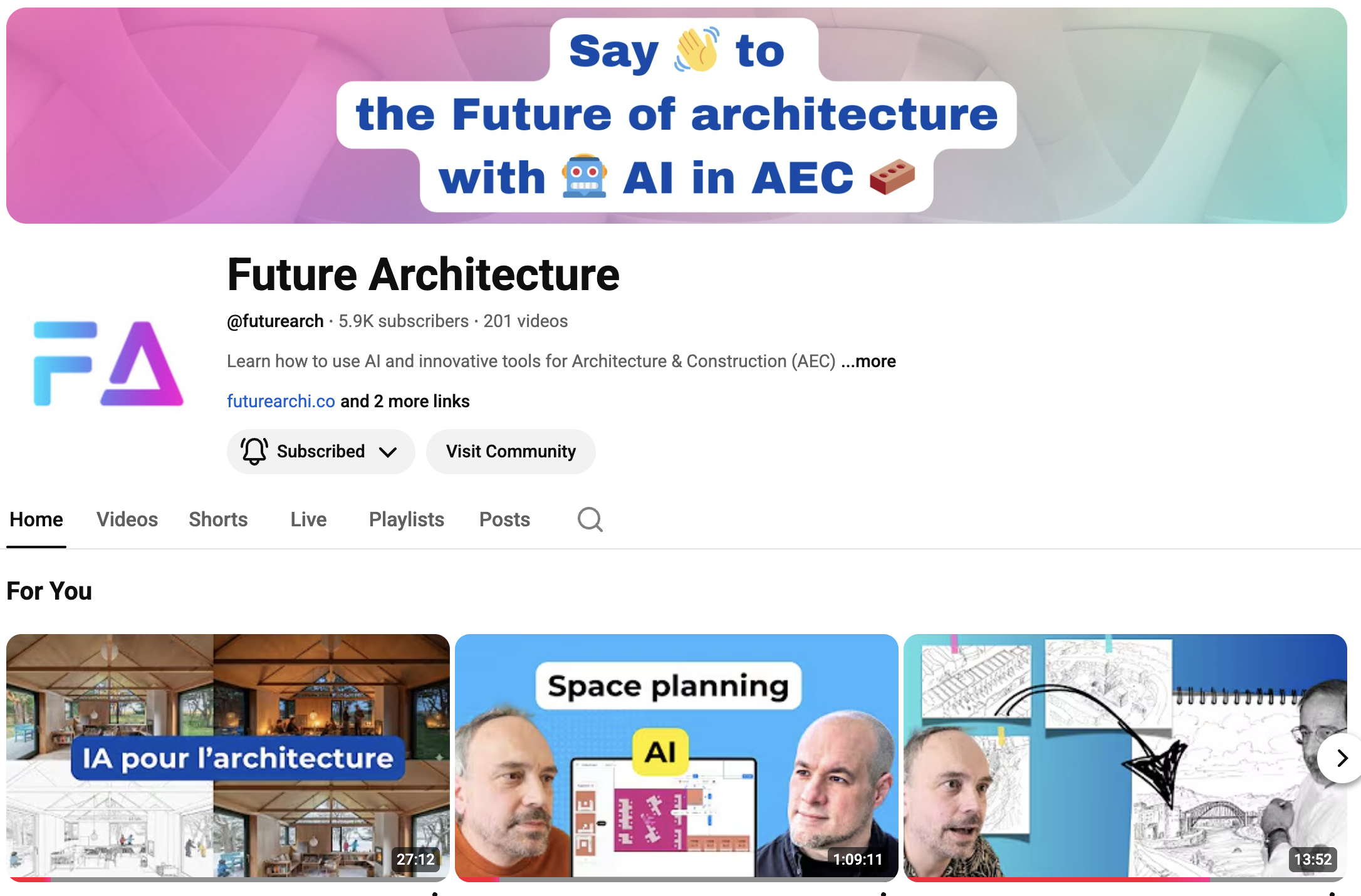
The Future Architecture YouTube channel
If you want to go deeper into the topic, you can join one of my training programs, currently on promotion until Thursday evening.
Or check out my YouTube channel, Future Architecture, where I regularly publish new videos about these topics:
Nano Banana, GPTs for architects, and many more.
In short, it’s a real knowledge hub to get started with — or deepen — the use of AI in architecture.
My trainings and tools for AEC pro
Up to 75% off until Thursday, December 25th, for Christmas 🎅🏻
Getting started with AI in architecture
Regular price: €299
Christmas week price: €62.50
A solid training to get started and gain a broad overview
This training gives you a comprehensive view of how AI can be applied to architecture: how to use it for writing, researching information, generating images, building project variations, and iterating faster with your clients. It’s a complete introduction to understanding the tools, strategies, and first concrete use cases before going further.
Super Archi : The AI workspace for AEC pro
You don’t want to learn AI just for the sake of AI 🤖
You mainly want to use it when it’s relevant, when it actually works, and to save real time in your day-to-day agency work ⏱️
Today, many architects are testing general-purpose AI tools (ChatGPT, Gemini…).
They are powerful, but one practical limitation comes up again and again 👇
➡️ They don’t naturally understand architectural projects or the reality of how an architecture practice operates.
Two main challenges:
📂 Structuring project information so AI can truly help
(programs, phases, constraints, decisions, history…)
⚙️ Setting up useful and sustainable workflows, beyond quick, one-off prompts
This is exactly why I created Super Archi.
I translated everything I’ve learned about AI into a practical, no-nonsense tool.
Super Archi does not replace ChatGPT or Gemini, and it doesn’t try to reinvent the wheel
(in fact, it uses them).
It’s a structured workspace, designed specifically for architecture practices, that organizes project data in a way that makes sense both to you and to AI.
You import your most important project data, and AI structures it automatically.
🧪 The tool is still under active development — and that’s actually an advantage:
it evolves quickly alongside current and future AI models, and adapts to the needs of early active users.
🎯 The goal: save you several hours per week, for example on:
- project estimation and analysis
- agency planning
- access to project information (even on mobile)
- writing briefs and tender documents
- generating images and project visuals
Super Archi is currently in beta and has already caught the attention of hundreds of architecture firms and independent architects.
Join the adventure with no risk:
👉 15-day free trial (more than enough to get a real feel for it)
👉 50% off for 1 year on the beta pricing (available for a limited time)
👉 Cancel anytime (I’m not Autodesk!)